Model your content in a dashboard, let your team edit and approve it there, and fetch it from any frontend as cached JSON. We run the backend, so you can skip building the admin panel.
No account needed for the demo. For your own workspace, ask for access and we'll reply within 24 hours. See the example site
Modelling the data takes an afternoon, but the admin panel around it can take a month.
Once the data is modelled, someone still has to build the place where your team edits it. None of that is the product you actually wanted to build, but you end up building it anyway, and then you maintain it.
Already built into Flowra
The month nobody puts in the estimate.
- Admin panel and edit forms
- Image uploads and resizing
- Roles and invites
- Drafts and an approval step
- Cache refresh on publish
- The read API itself
Model it the way your product already works.
A coffee has an origin, an article has an author, and the homepage features three products. You set that up as resources and fields in the dashboard, connect them with relations, and Flowra takes care of storage and validation. You don't write migrations or SQL.
Resources and relations · sample workspace
Coffees → Fields
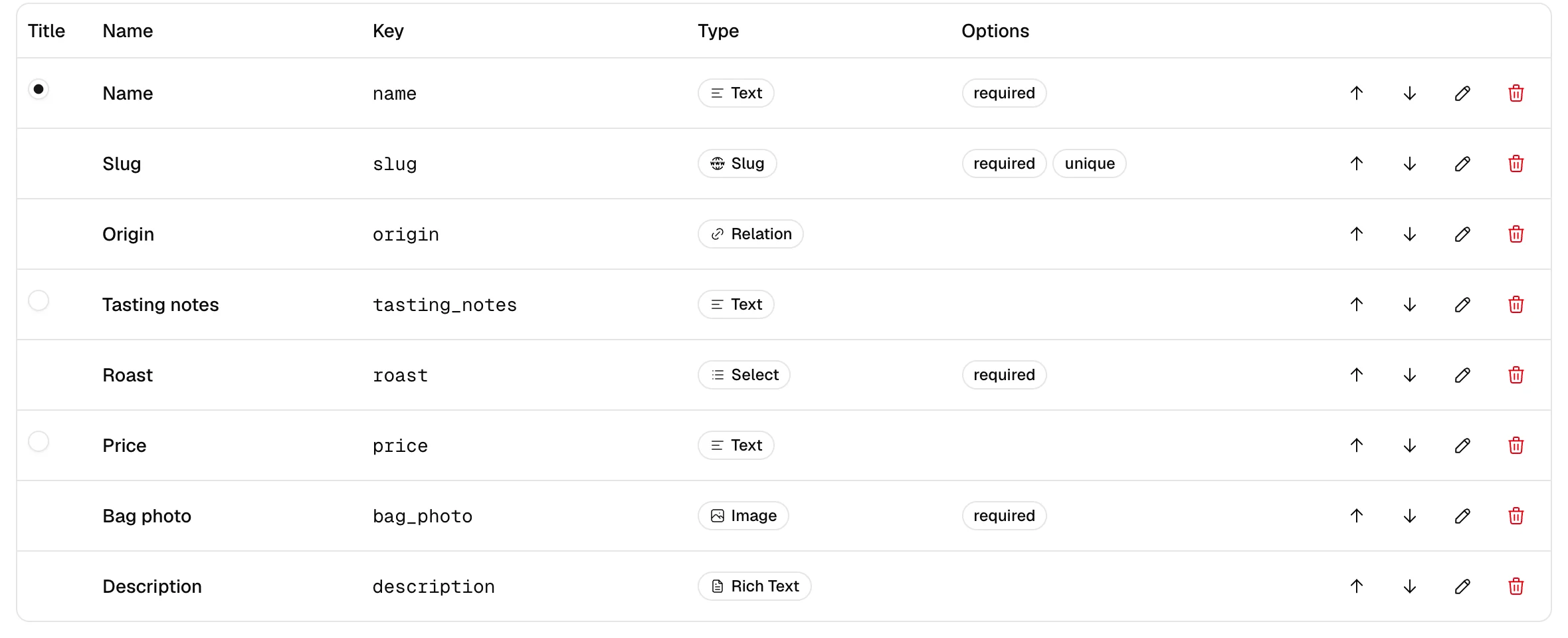
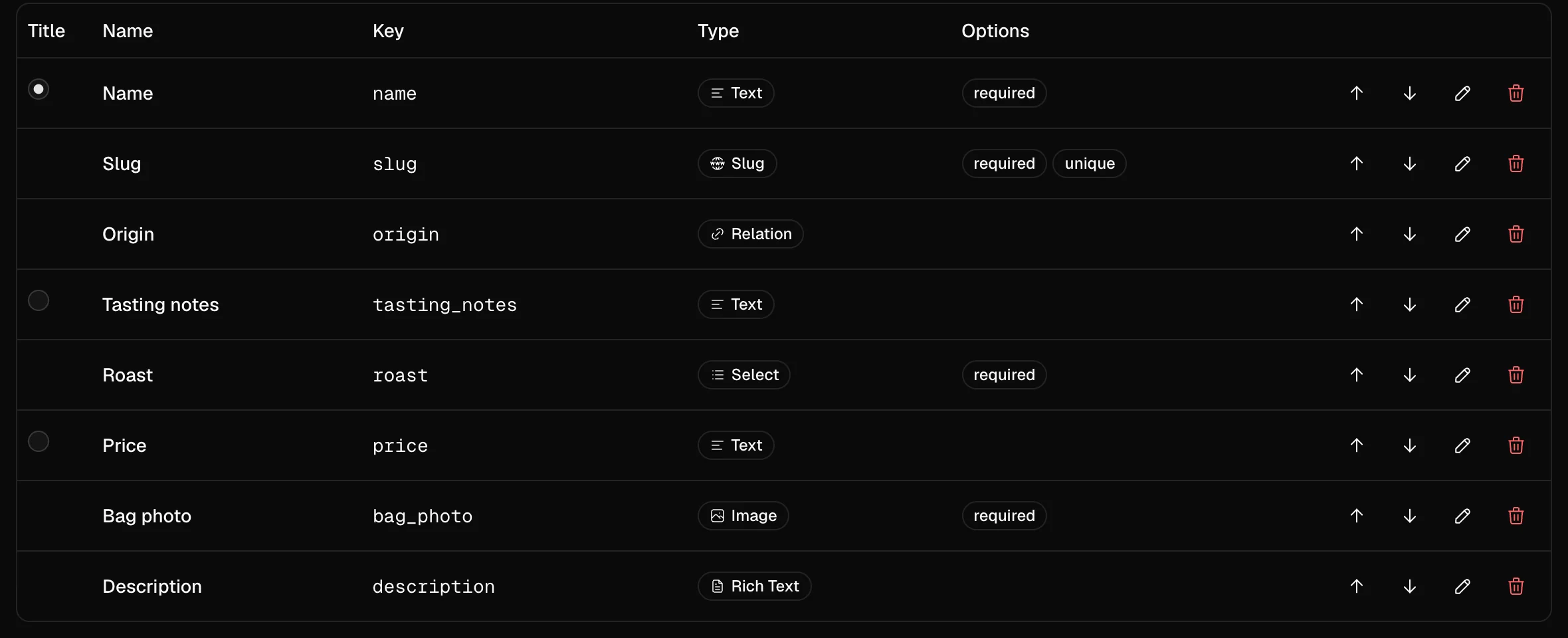
Field types
- text
- rich text
- number
- date
- select
- relation
- image
- gallery
- slug
- link
- boolean
Your team writes it, and it only goes live once someone approves it.
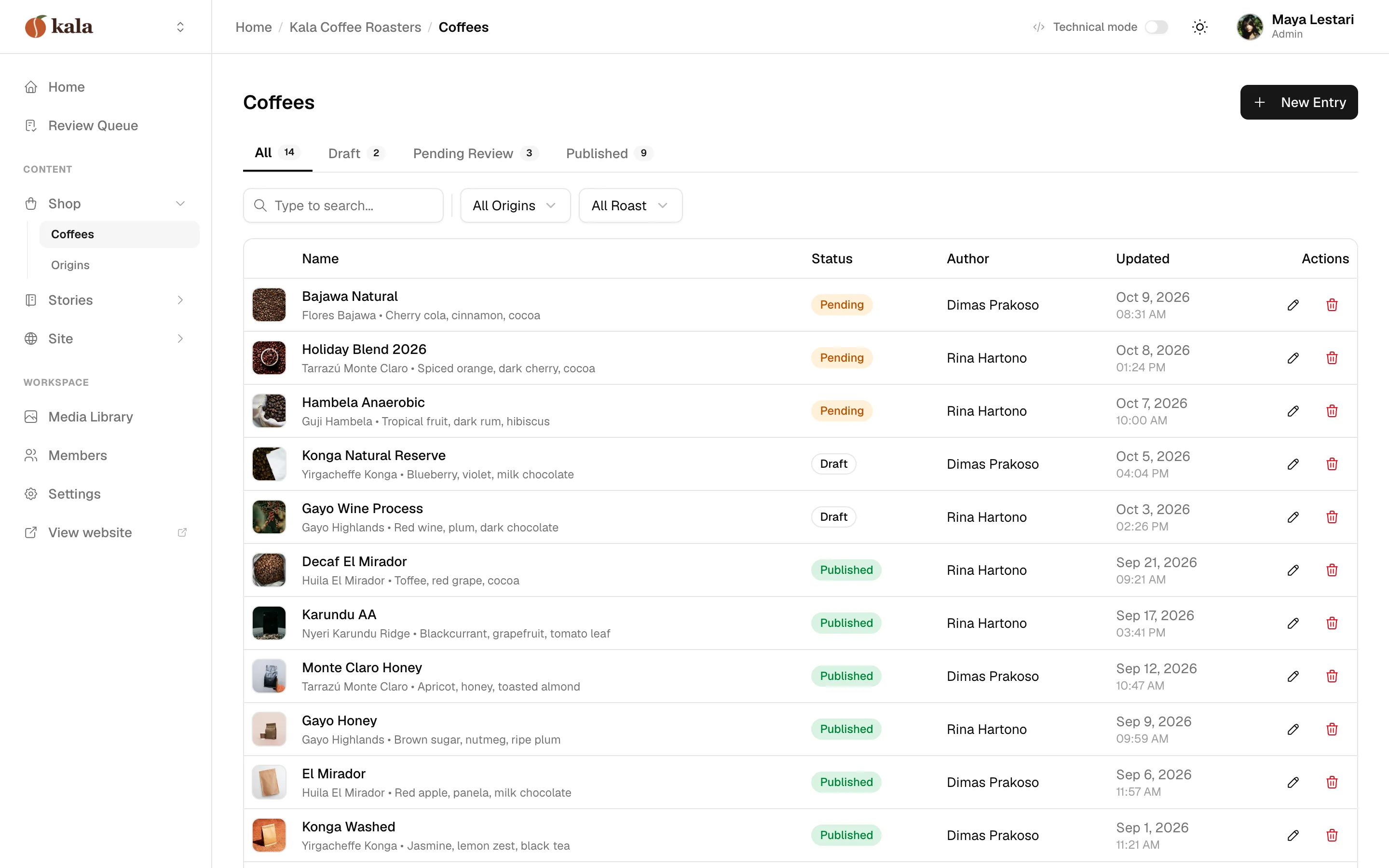
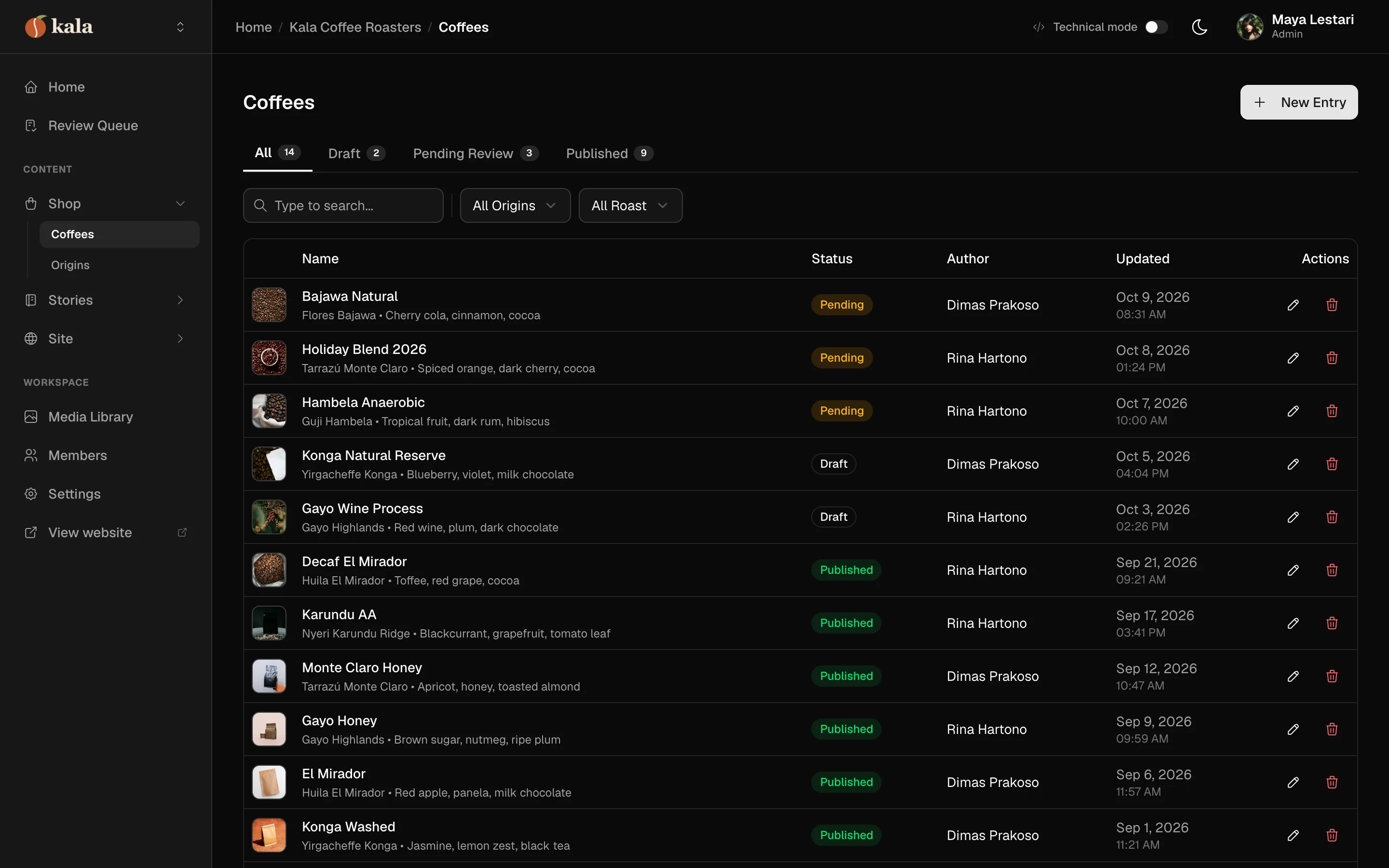
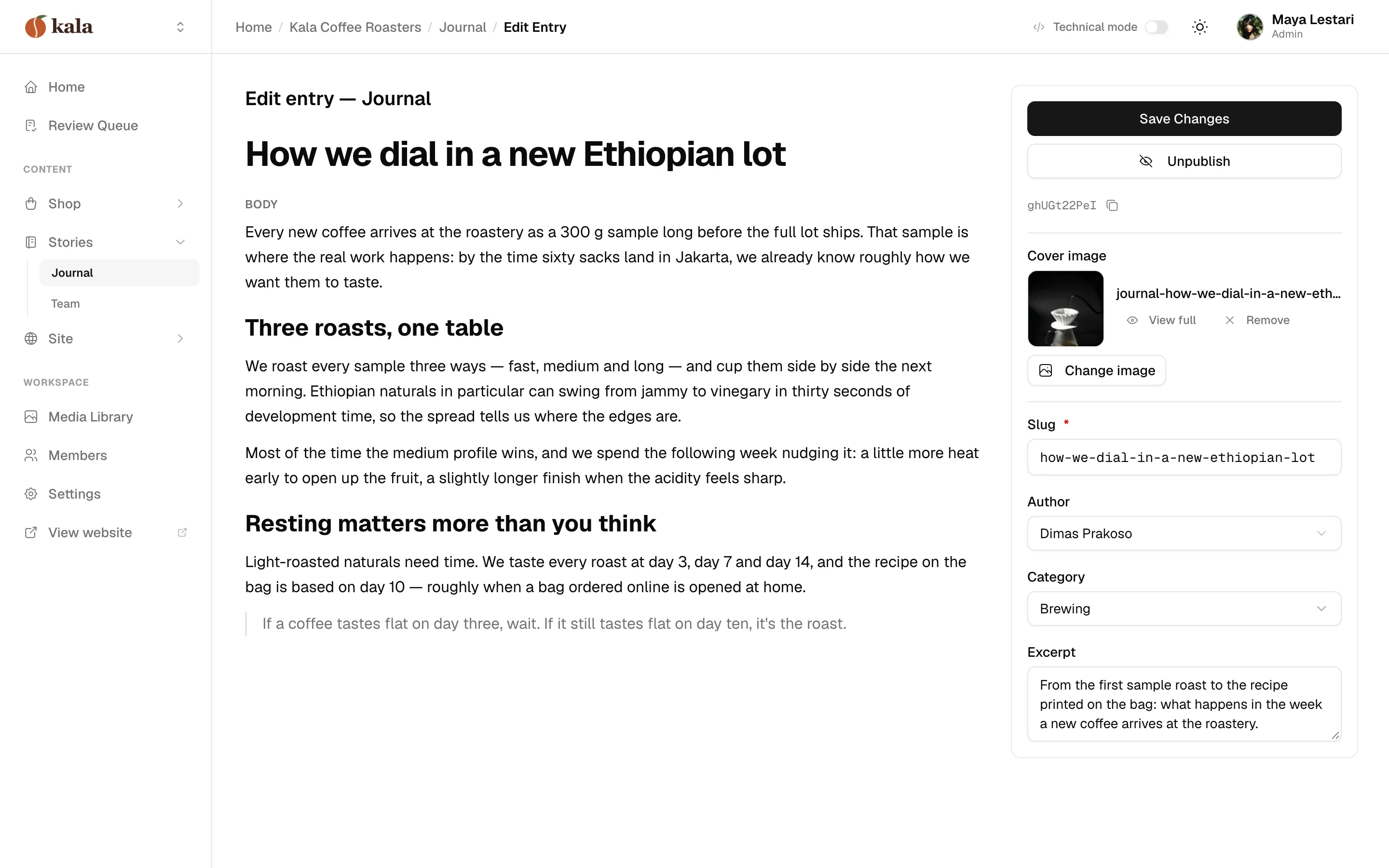
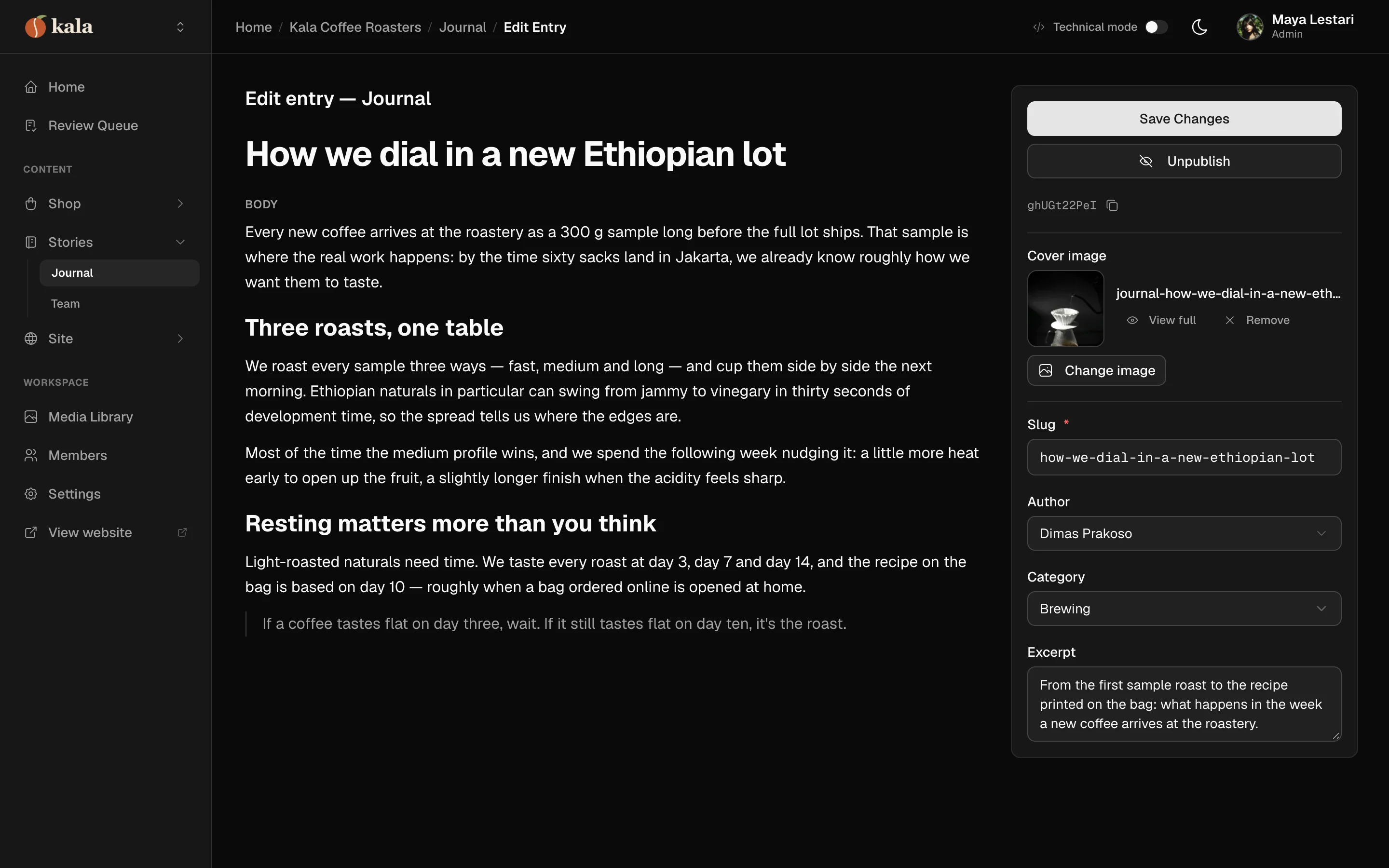
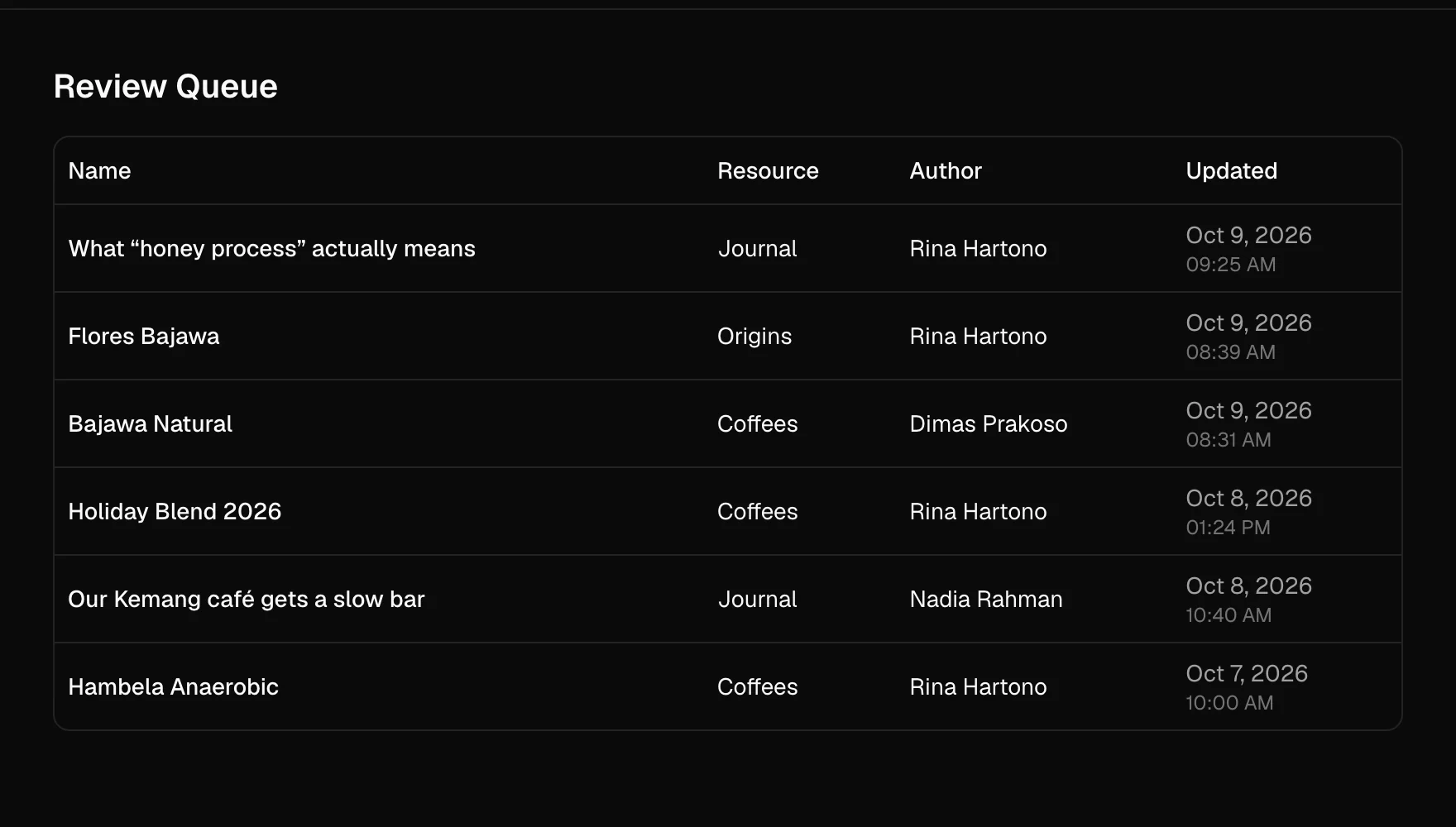
Editors get a proper form with image uploads and rich text, so nobody has to touch a JSON file. Every entry goes from draft to pending to published, with review notes and a record of who approved it, so nothing goes live by accident.
draft
An editor writes it in a proper form, with image uploads and rich text.
pending review
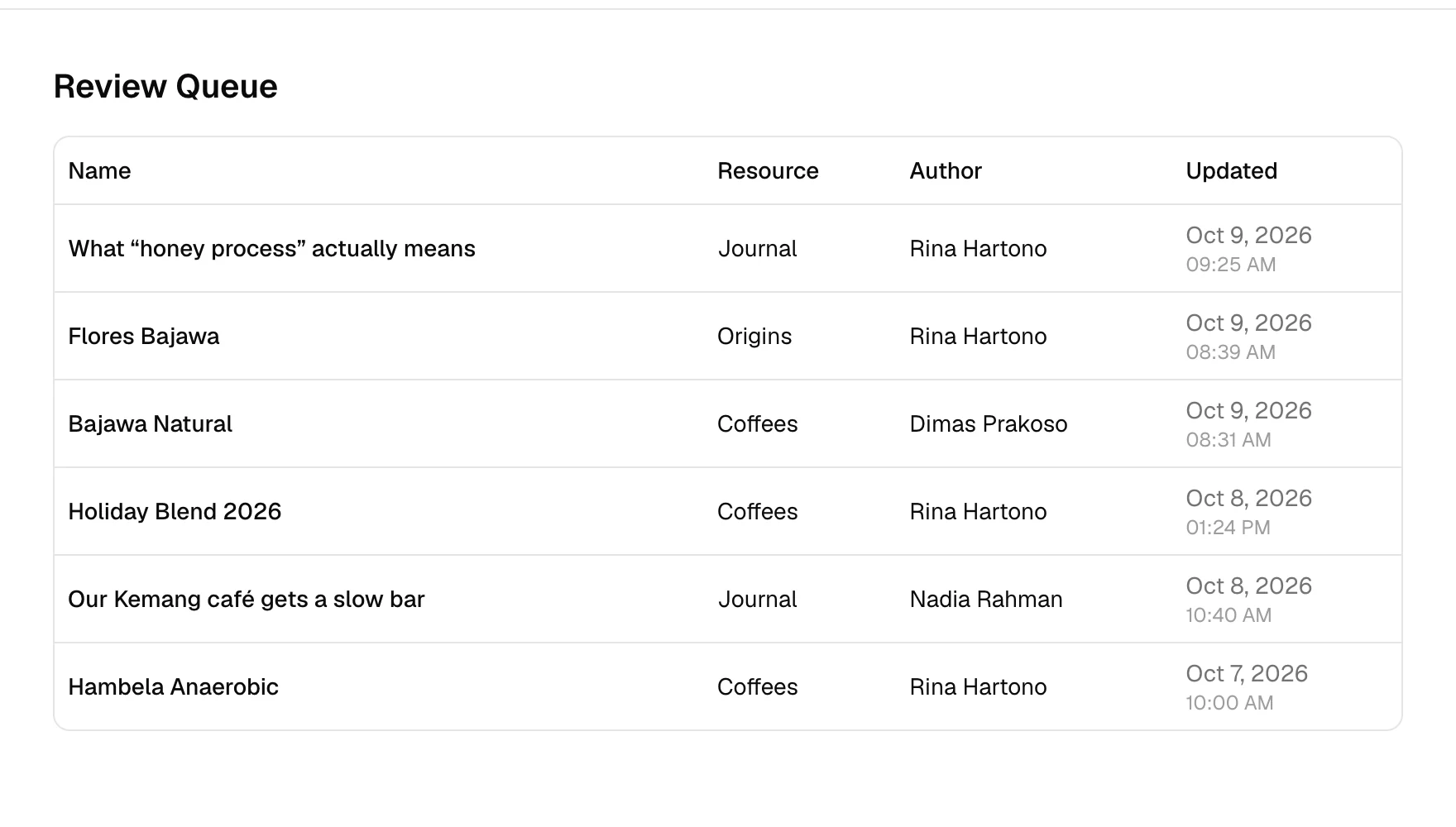
A reviewer reads it and leaves notes, or sends it back.
published
Approved, with a record of who approved it. The API serves it from here.
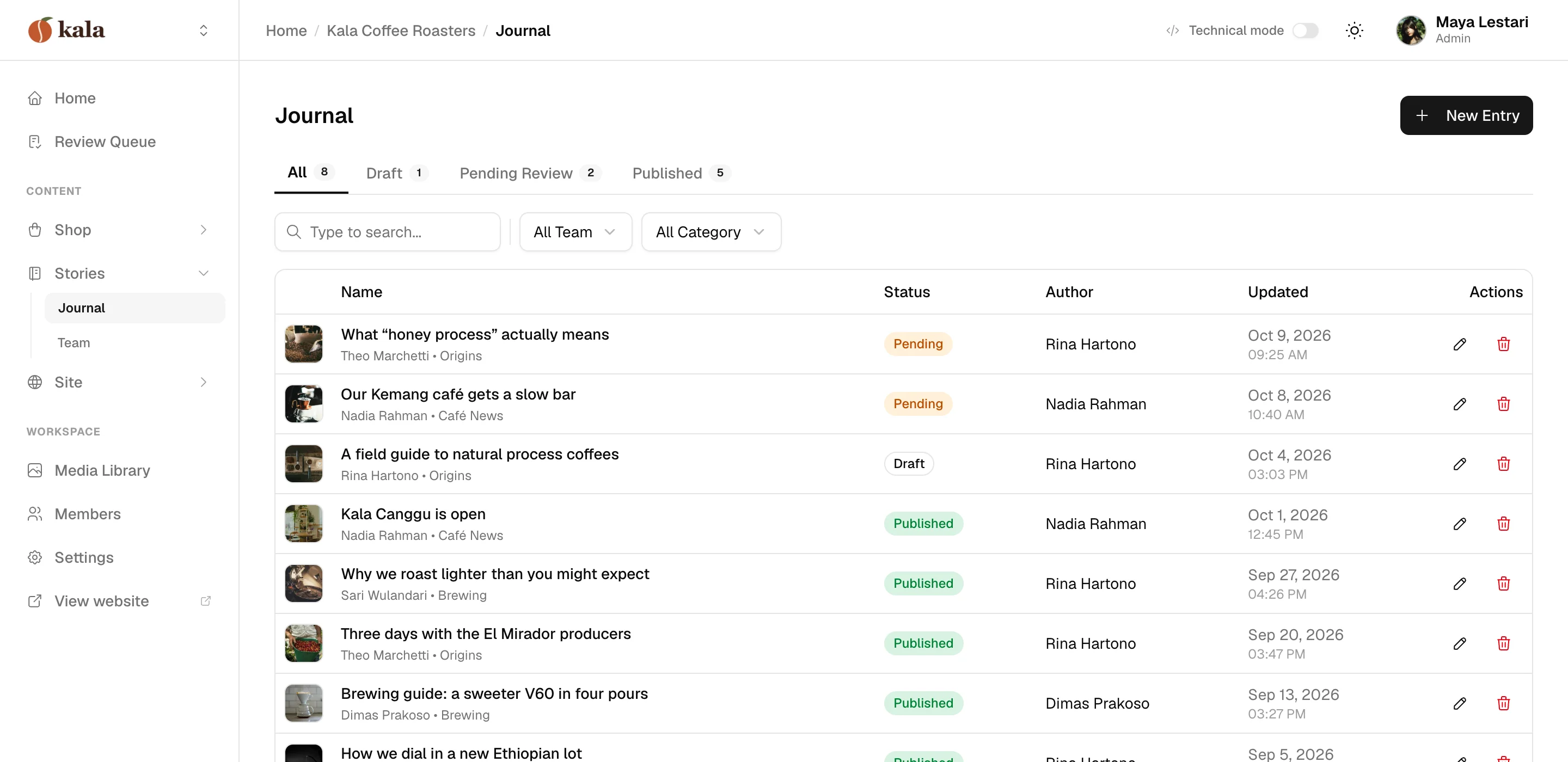
Editing an entry
The review queue
Fetch it like any other API.
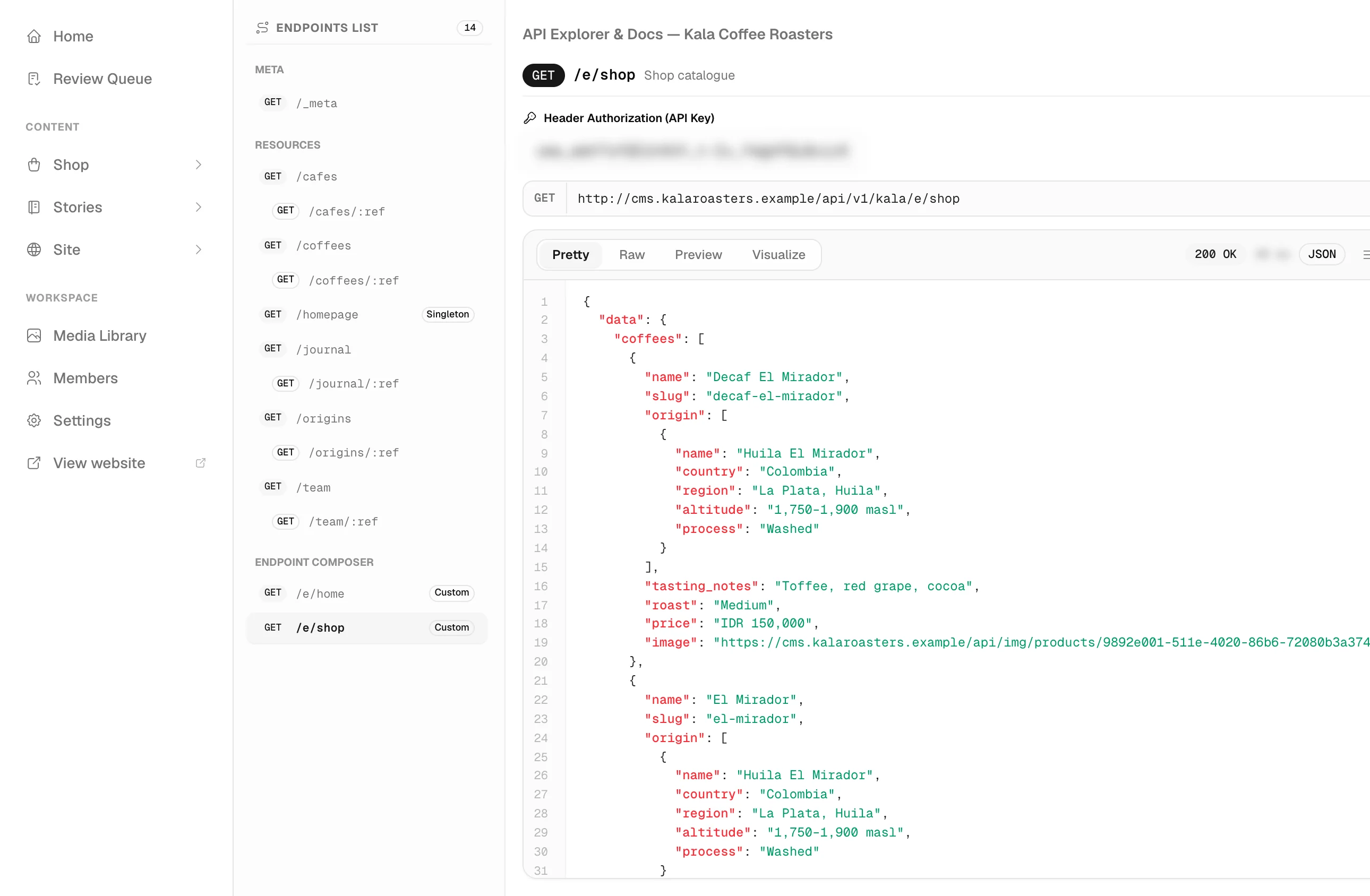
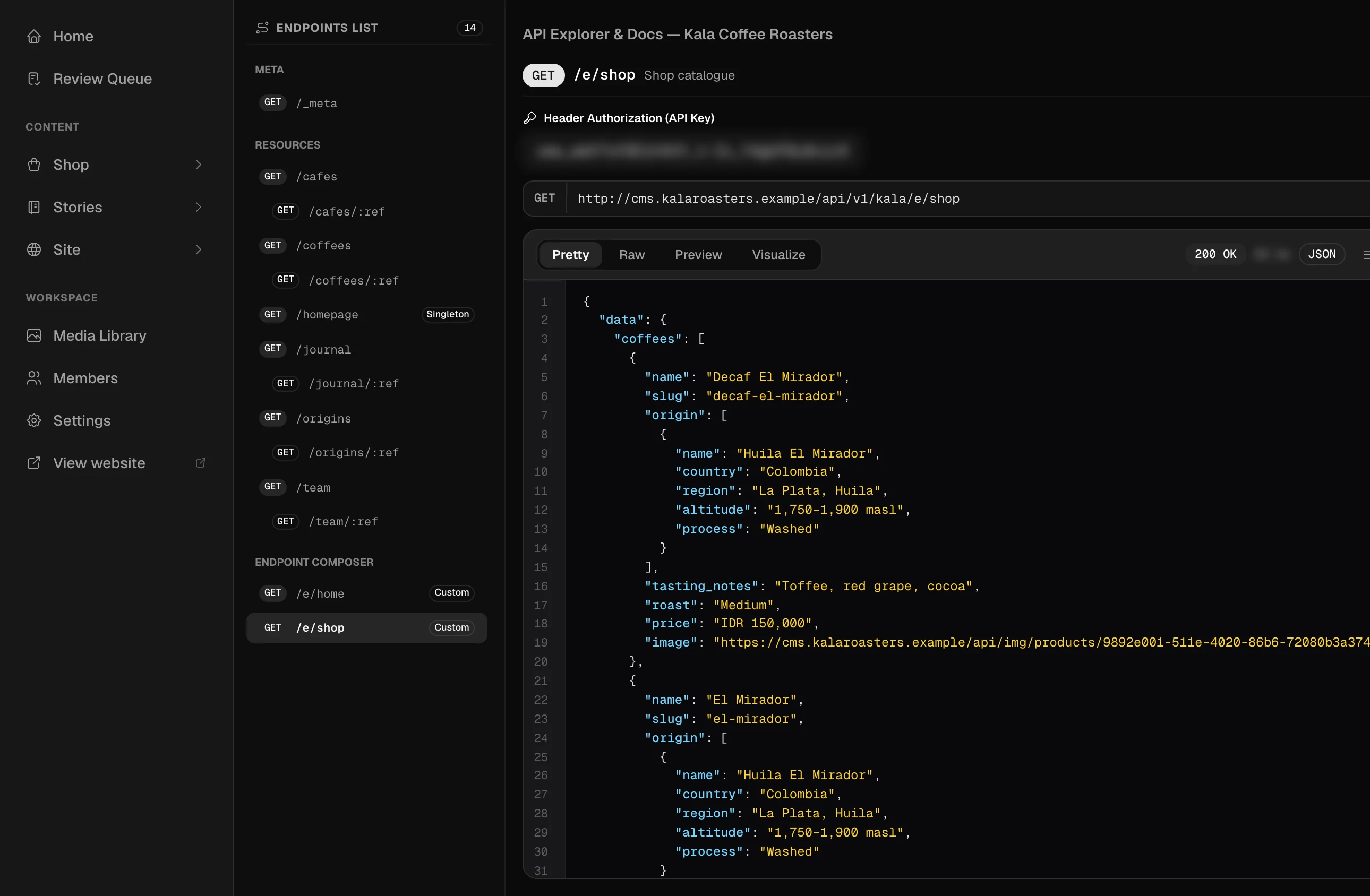
Every resource gets a read endpoint, and you can compose your own that join and filter the data the way a page needs it. Responses are cached at the CDN and refreshed when someone publishes, and webhooks let your own systems know too.
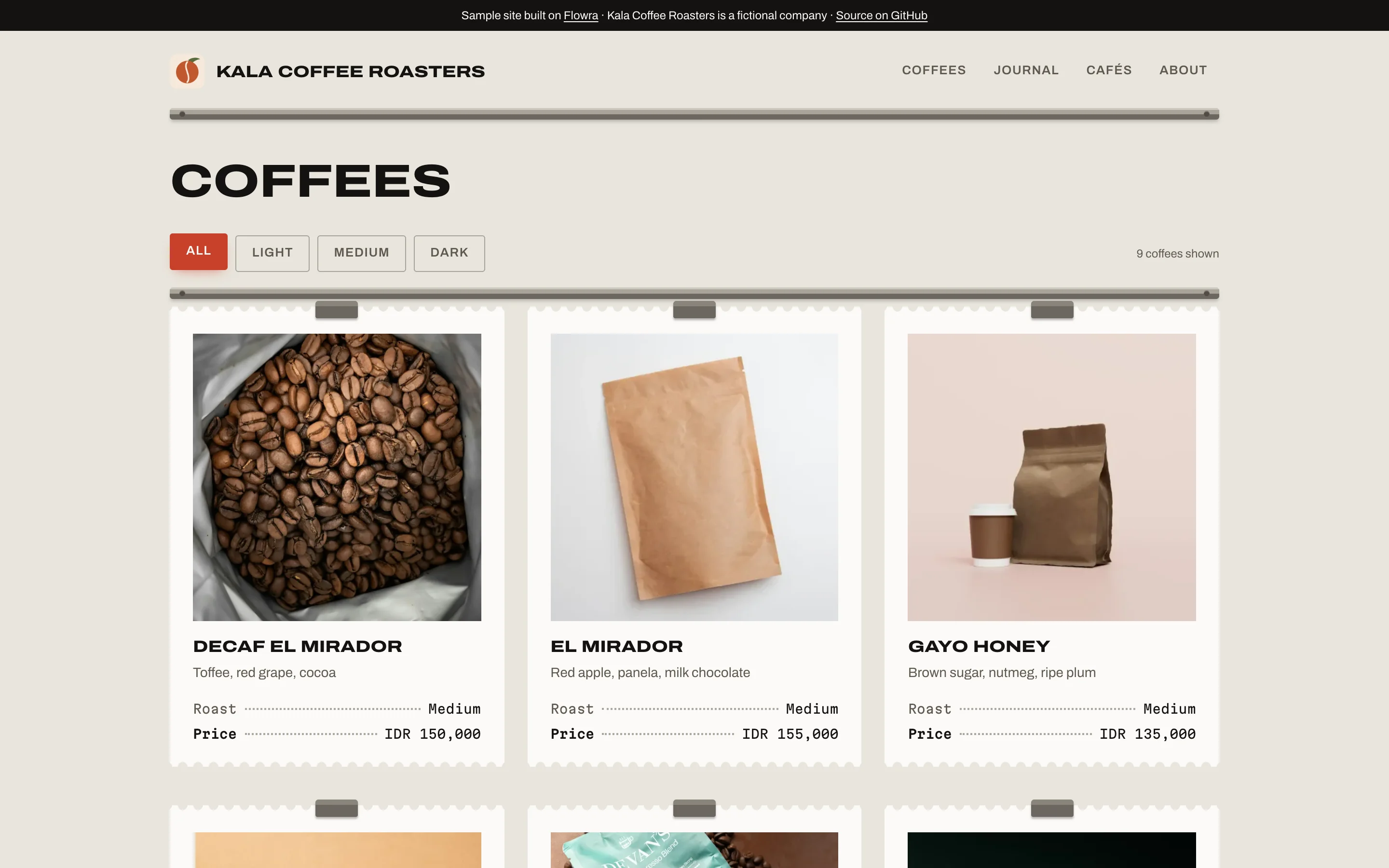
There's an API explorer in the dashboard, so you can see the exact JSON before writing any frontend code. Or just try the demo workspace below, it's the same coffee shop from the screenshots.
The public API is read-only. Writes happen in the dashboard.
curl https://demo.withflowra.com/api/v1/kala/e/shop \
  -H "Authorization: Bearer cms_Xr3WThtMBBL0p37GptS-T7jSrrv6C5C3ALSzias7jlA"
Press Run for a live response from the demo workspace.
API explorer · real response from the sample workspace
The same workspace runs a whole site, too.
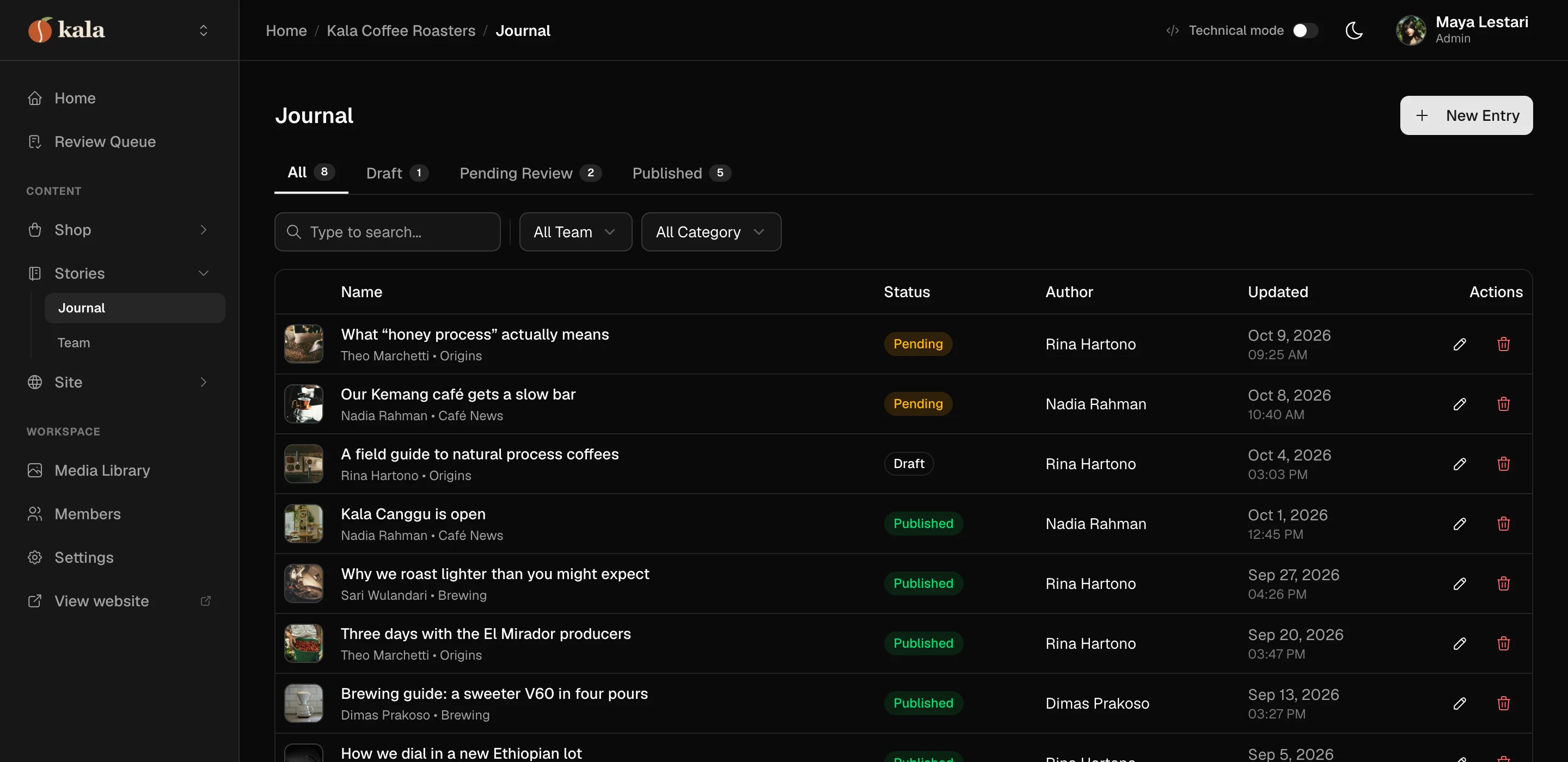
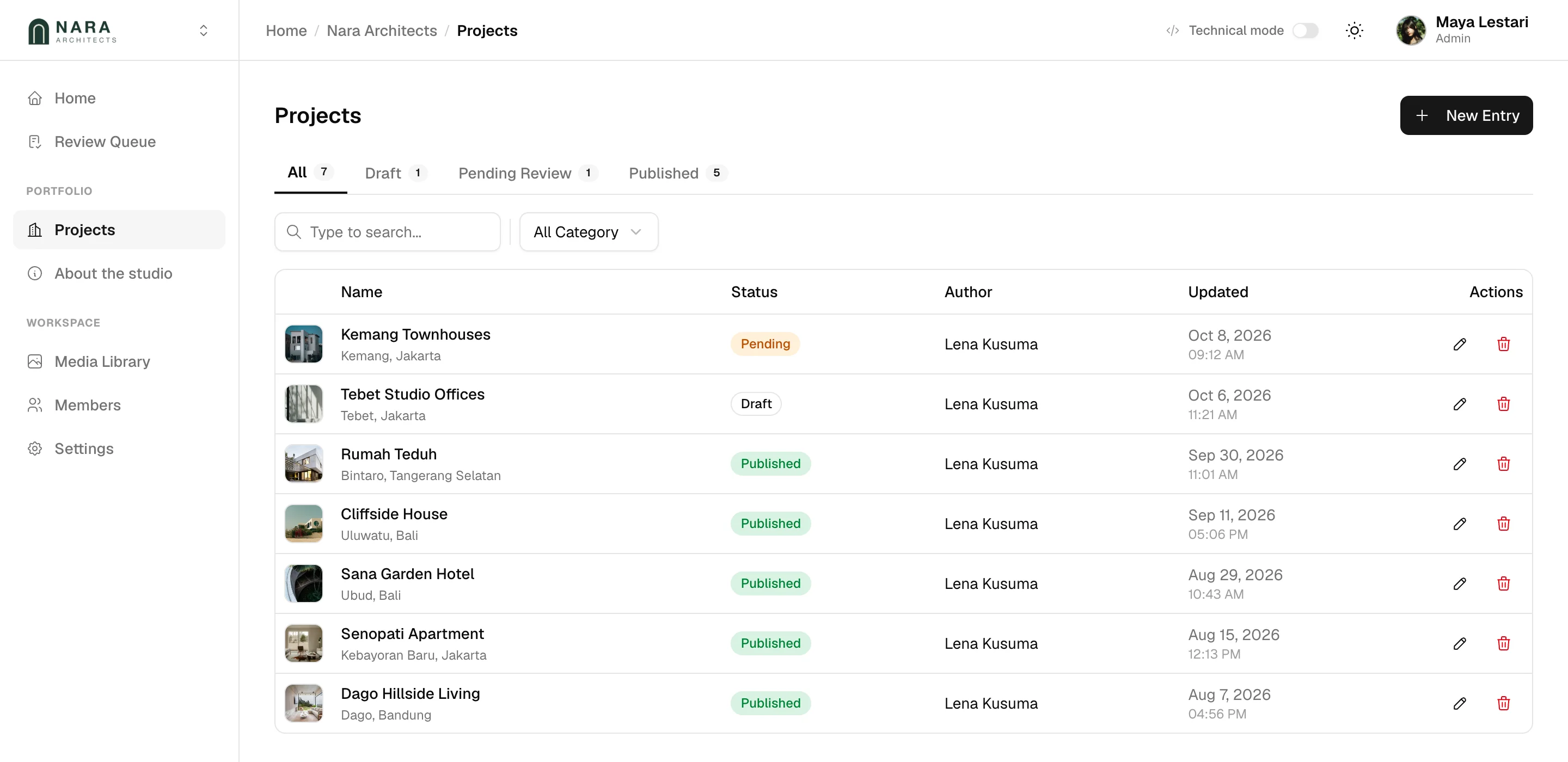
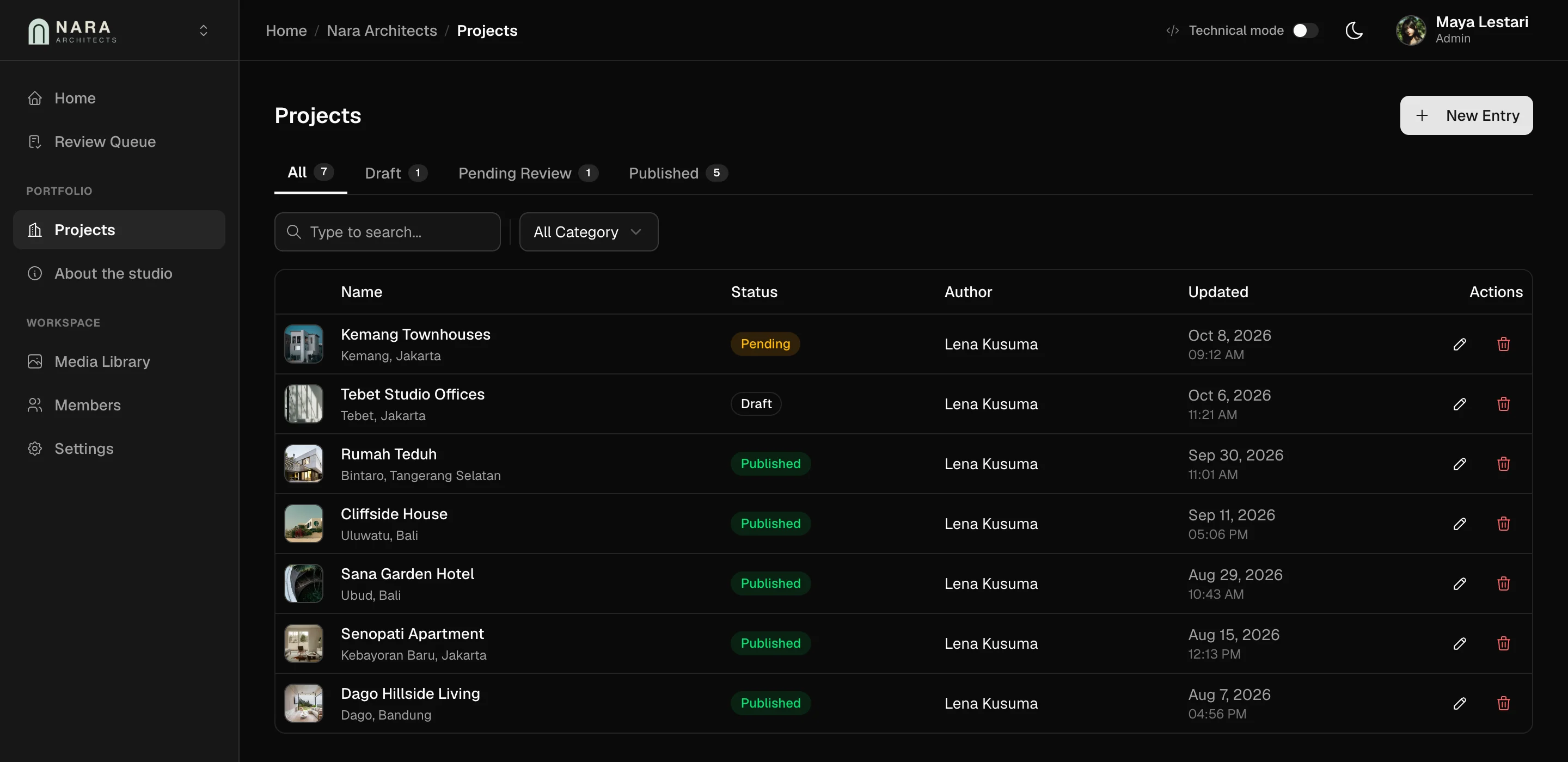
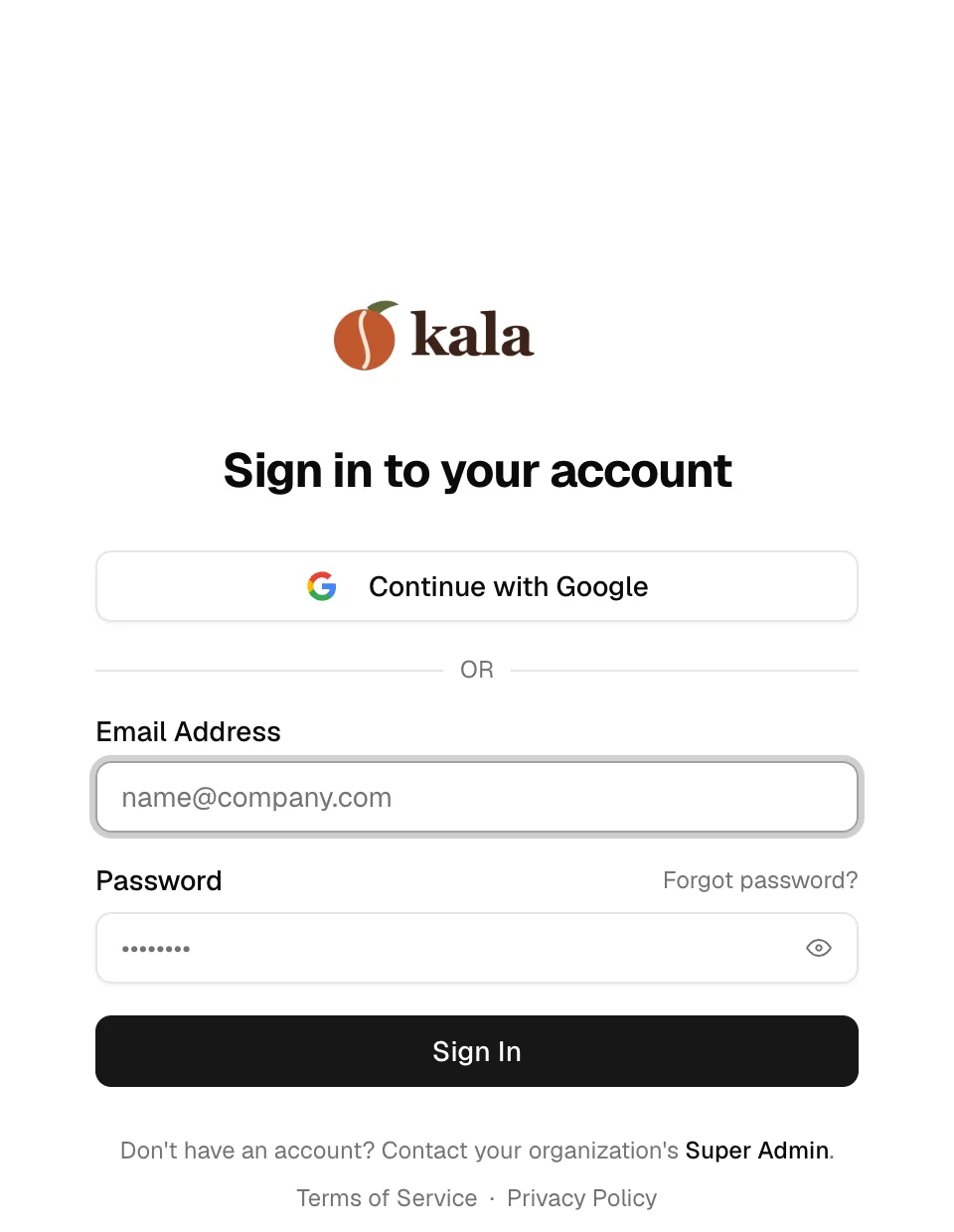
One workspace per client, on their own domain.
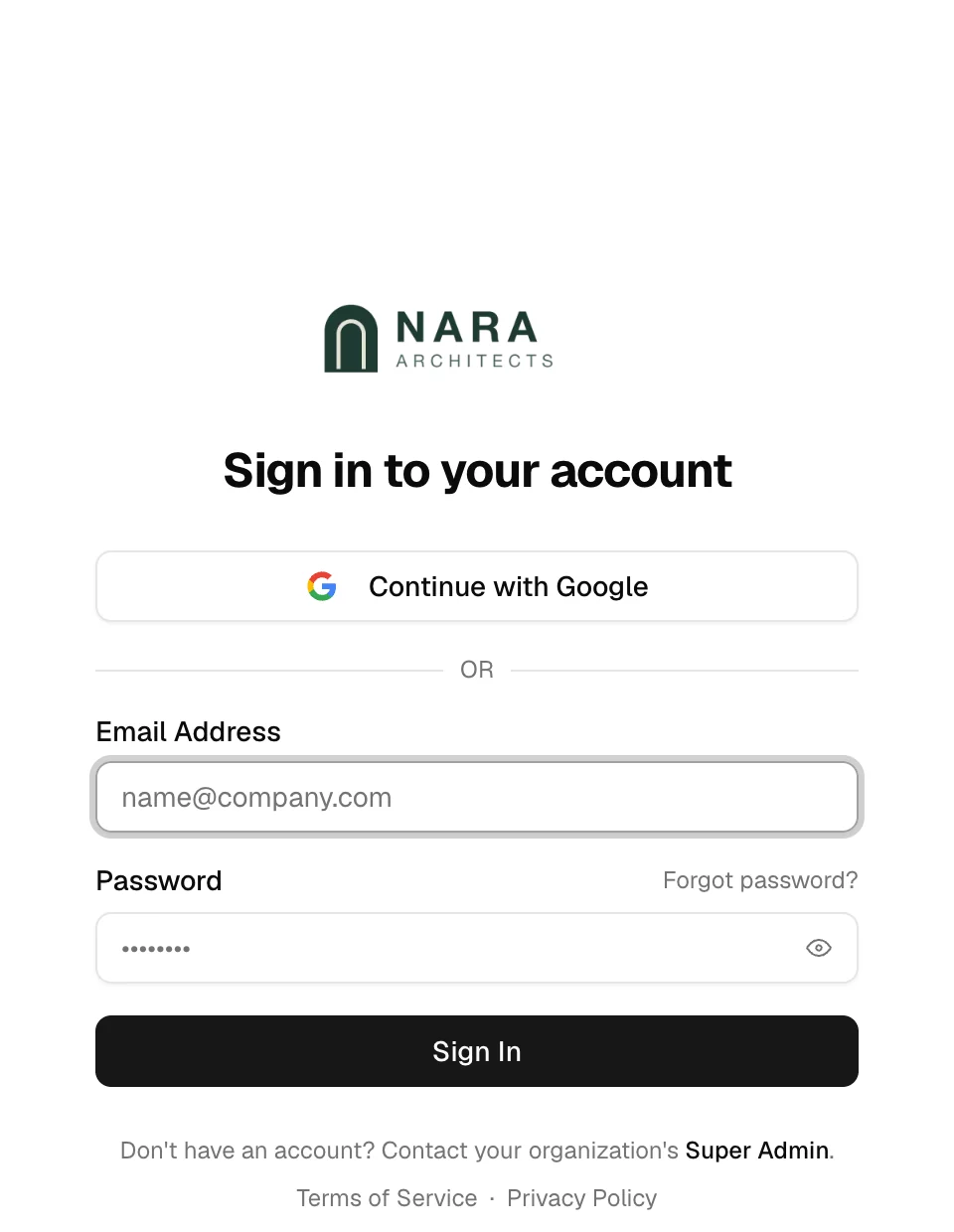
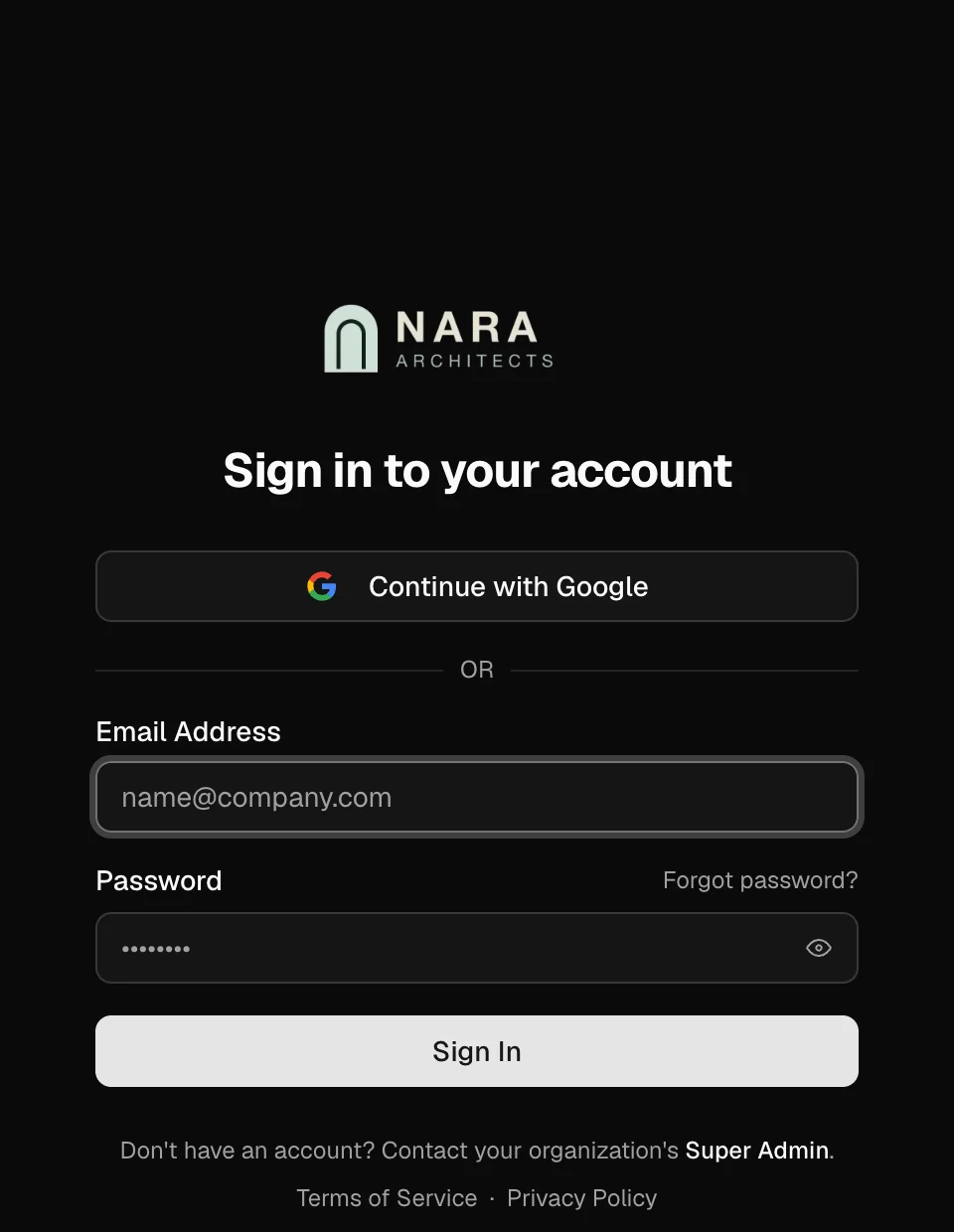
If you build sites for clients, each one gets a workspace with their own domain, logo, name and favicon, and Flowra's brand stays out of it. You also pick which pages their team sees in the sidebar, so they see their content and not the plumbing.
For agencies and studios doing client work.
https://cms.kalaroasters.example
Their dashboard
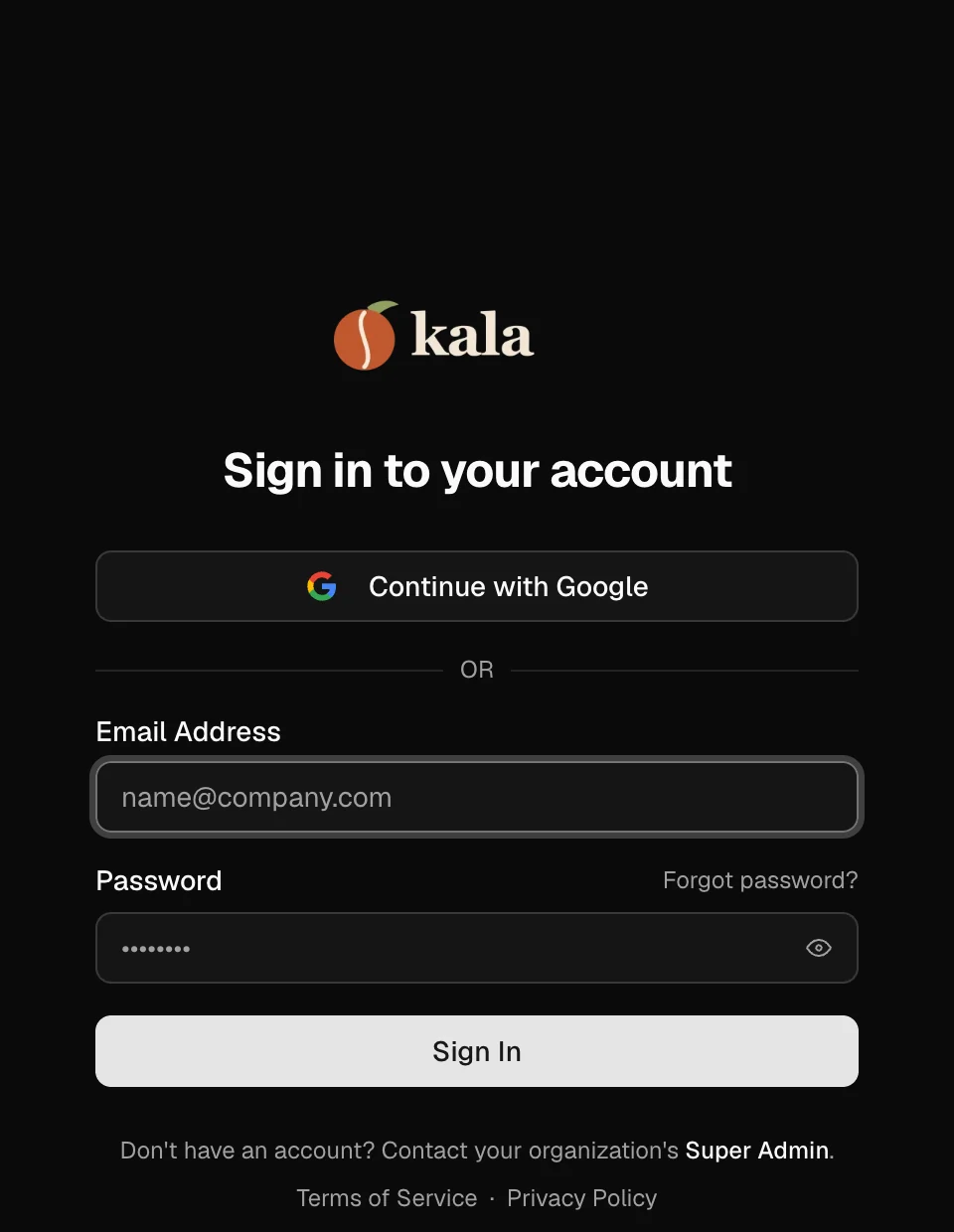
Sign-in page
The parts you'd otherwise glue together yourself.
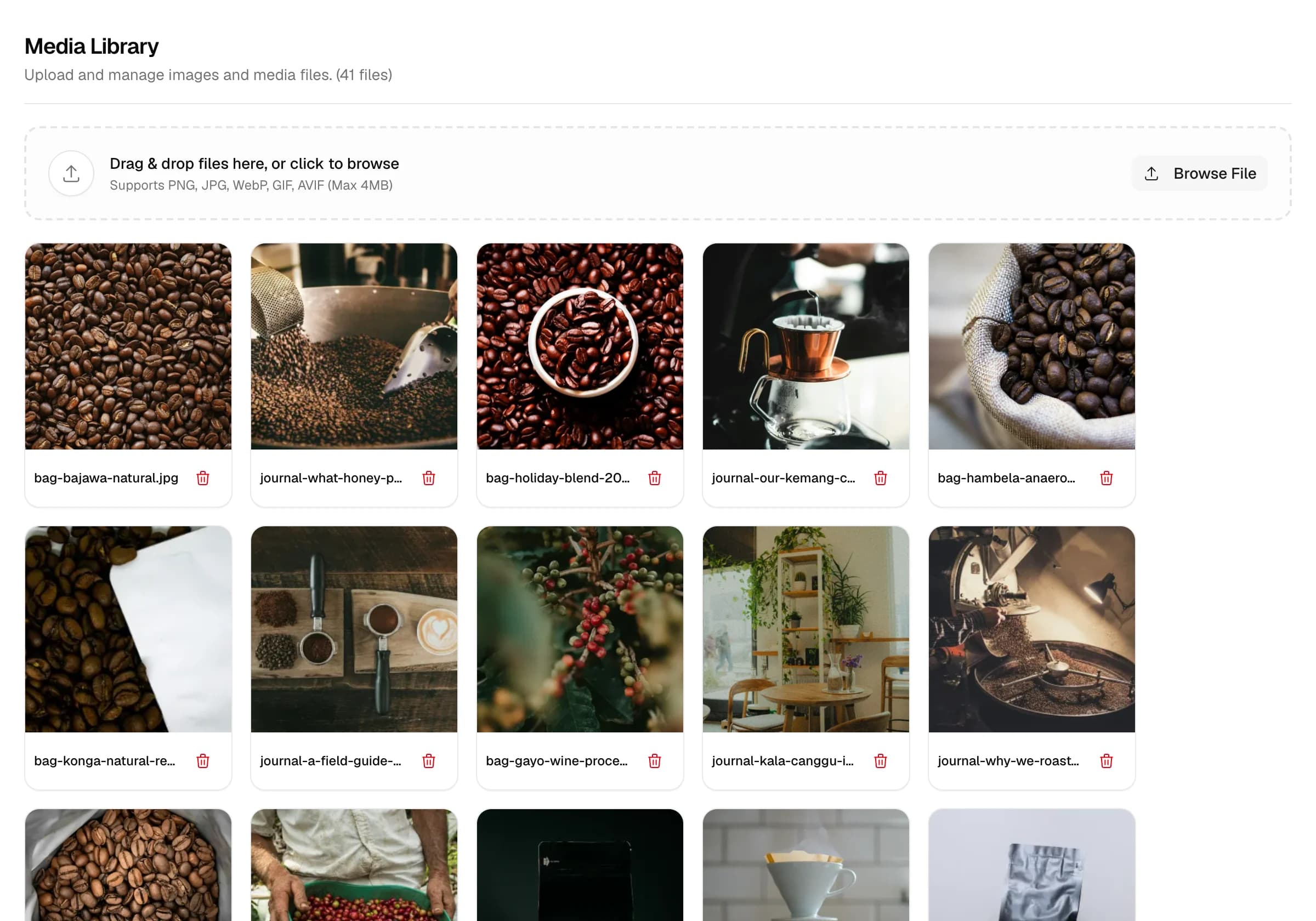
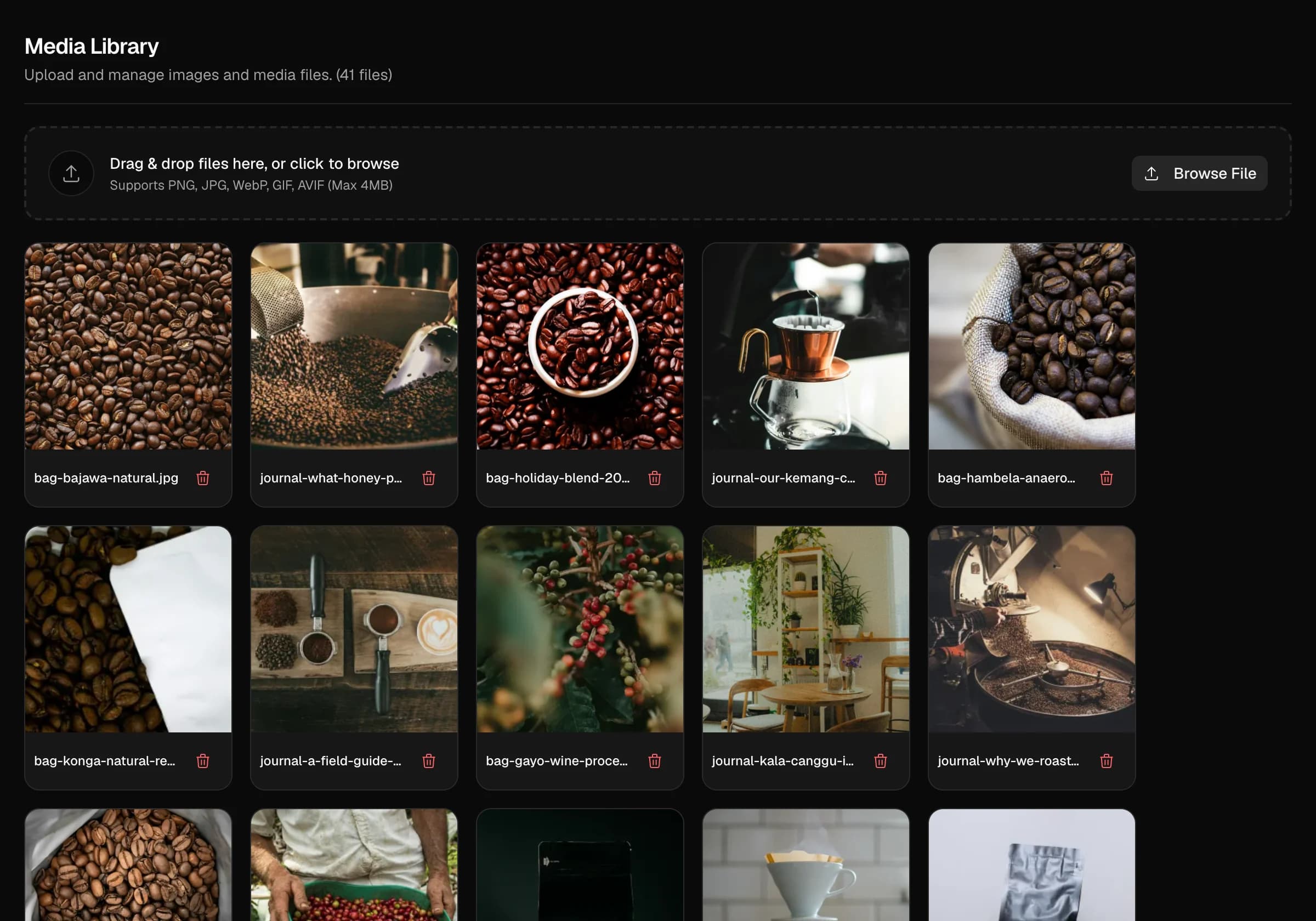
Media library
Upload once and ask for the size you need. Images are resized on request and served as WebP, with no build step and no separate image service.
Webhooks
Your systems hear about it when content changes, so caches and downstream jobs stay current.
"productSlug": "kala",
"contentVersion": 42 }
Teams and roles
Invite people by email, each with the role their job actually needs.
- Maya Lestariadmin
- Dimas Prakosoeditor
- Rina Hartonowriter
SEO and cache version
A _meta endpoint serves title, description, OG image and favicon, and every endpoint carries a content version so your frontend knows when to revalidate.
"metaTitle", "metaDescription",
"ogImage", "favicon", … }
Data export
Your entries are readable through the API any time, and a full workspace export is free if you ask for it.
Microsite builderin development
Pages built on the resources you already modelled, published on the domain you already set up. Tell us what you'd build with it
Things people ask before they write to us.
Still unsure? Email us and a real person answers.
hello@withflowra.comIs there a write API?
Not a public one. Your team writes in the dashboard, where every change goes through the review flow, and your frontend reads through cached JSON endpoints. When something gets published, webhooks let your own systems know.
I don't have a frontend yet. Can you build it?
Yes. Usually the frontend is yours, any framework and any host, connected with a normal fetch. But if you don't have one, we can build it with you as part of onboarding. Just mention it when you ask for access.
Why can't I just sign up?
Because we set up every workspace ourselves for now. Email hello@withflowra.com with a short note about what you're building and we'll get back to you. After that, your admin can invite the rest of the team by email. If you just want to look around first, try the dashboard at sandbox.withflowra.com. You get your own copy of a sample workspace for four hours, no account needed.
Can I get my data out?
Yes. Your entries are readable through the API any time, and we'll send you a full export of your workspace if you ask. We don't charge you for leaving.
Do I need to know backend stuff?
No. If you can describe your content and how the pieces connect to each other, you can model it in Flowra. Connecting it to your site is just a fetch call.
Tell us what you're building.
There's no sign-up form. Send a short note about your project, what kind of content you have, and whether you need the frontend built too. We reply within 24 hours and set up your workspace.
Need the frontend too? Mention it in the form.